
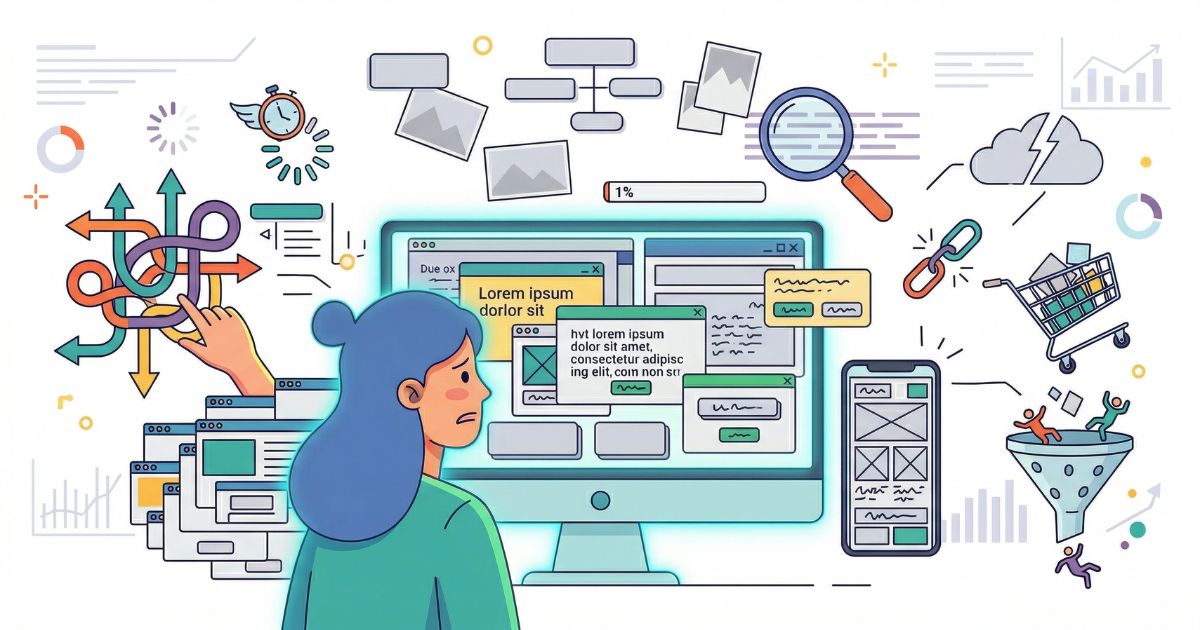
Mistake #1: Your Website Is Slow
This is the most fundamental conversion killer and the easiest to diagnose. If your website takes more than 3 seconds to load, you are losing over half your mobile visitors before they see a single word of your content.
Google's own research confirms it: 53% of mobile users abandon sites that take longer than 3 seconds to load. Each additional second costs you roughly 7% in conversions. For a business doing $100,000/month online, a 1-second improvement could mean $7,000 more per month.
Fix it: Compress images (use WebP or AVIF), enable browser caching, minimize CSS and JavaScript, use a CDN, and choose quality hosting. Test with Google PageSpeed Insights — aim for 90+ on both mobile and desktop.
Mistake #2: No Clear Call-to-Action
You would be shocked how many websites we audit that have no obvious next step for the visitor. The homepage looks beautiful, explains the product well, builds credibility — and then... nothing. No button. No form. No clear invitation to take the next step.
Every page on your website should have one primary action you want the visitor to take. One. Not five. Not three. One clear, prominent, unmistakable call-to-action.
Fix it: Place your primary CTA above the fold. Make it visually distinct (contrasting colour, large enough to notice). Use action-oriented copy — "Get Your Free Quote" is better than "Submit." Repeat the CTA at natural decision points as the user scrolls.
Mistake #3: Too Many Choices
Hick's Law: the more choices you present, the longer it takes to make a decision — and the more likely someone is to make no decision at all. This applies directly to website design.
When your navigation has 12 items, your homepage has 6 different CTAs, and your service page presents 15 options — you are not being helpful. You are creating paralysis.
Fix it: Simplify navigation to 5-7 main items. One primary CTA per page. Group services or products into clear categories. Guide the user through a logical path, not a buffet of options.
Mistake #4: Weak Headlines
Your headline is the first thing visitors read. If it does not immediately communicate what you do and why they should care, they leave. It is that simple.
"Welcome to Our Website" is not a headline. "Innovative Solutions for Modern Businesses" says nothing. These are the kind of headlines that make visitors hit the back button.
Fix it: Your headline should answer the visitor's question: "What is in it for me?" Lead with the benefit. Be specific. "We Build Websites That Convert 3x More Visitors Into Customers" is infinitely better than "Professional Web Development Services."
Mistake #5: No Social Proof
People do not trust businesses. They trust other people who have used that business. If your website has no testimonials, no reviews, no case studies, no client logos, and no social proof of any kind — you are asking visitors to take a leap of faith. Most will not.
92% of consumers read online reviews before making a purchase. And testimonials on sales pages can increase conversions by up to 34%.
Fix it: Add real testimonials with names, photos, and company names (not anonymous quotes). Display client logos. Show case studies with specific results. Add Google review ratings. Include numbers: "500+ clients served" or "4.9 stars from 200+ reviews."
Video testimonials convert 25% better than text testimonials. Even a 30-second phone-recorded video from a happy client is more persuasive than a perfectly written paragraph.
Mistake #6: Terrible Mobile Experience
Over 60% of web traffic is mobile. If your website is not designed mobile-first, you are failing the majority of your visitors. A site that looks great on desktop but requires pinching, zooming, and horizontal scrolling on a phone is not "mobile-friendly" — it is broken.
Fix it: Design mobile-first, then scale up to desktop. Ensure tap targets are at least 44x44 pixels. Text should be readable without zooming. Forms should be short and easy to fill on a phone. Test on real devices, not just browser resize.
Mistake #7: Confusing Navigation
If a visitor cannot find what they are looking for within 3 seconds, they leave. Creative navigation labels might feel unique, but "Discover" instead of "Services" or "Journey" instead of "About" just confuses people.
Fix it: Use standard labels people expect. Keep it flat — avoid deep dropdown hierarchies. Include a clear path from any page to your main conversion page. The navigation should answer: Where am I? Where can I go? How do I get back?
Mistake #8: Generic Stock Photos
You know the ones. The perfectly diverse group of smiling professionals high-fiving in a modern office. The woman staring thoughtfully at a laptop in a café. These images say absolutely nothing about your business and actively reduce trust.
Users can spot stock photos instantly. And when they see them, the subconscious message is: "This business is not real enough to show actual photos."
Fix it: Use real photos of your team, your work, your office, your process. If you must use stock photos, choose authentic, documentary-style images that feel real. Custom illustrations or branded graphics are better than generic stock.
Mistake #9: No Trust Signals
Trust signals are the small elements that tell visitors: "This is a legitimate, safe business." Without them, people hesitate — especially before entering personal information or making a purchase.
Fix it: Add these throughout your site:
- SSL certificate (HTTPS) — basic but essential
- Clear contact information visible on every page
- Physical address (shows you are a real business)
- Privacy policy and terms of service links
- Security badges on checkout/payment pages
- Professional email (not @gmail.com)
- Industry certifications or association memberships
Mistake #10: Buried Contact Information
If someone wants to contact you, they should never have to search for how. Yet countless websites hide contact details deep in the footer, behind a "Contact" page link, with no phone number, no email, and a form that asks 10 questions before they can say hello.
Fix it: Phone number and email in the header (or at least footer of every page). Sticky "Contact" button or chat widget on mobile. Keep contact forms short — name, email, message. That is it. Every additional field reduces submissions by roughly 10%.
Mistake #11: Auto-Playing Media
Auto-playing videos with sound are universally hated. They are intrusive, startling, and often make people close the tab immediately. Auto-playing background videos that drain battery and slow load times are nearly as bad.
Fix it: Never auto-play audio. If you use background video, keep it muted, short, and optimised for fast loading. Let users choose to play media. Respect their bandwidth and their sanity.
Mistake #12: Walls of Text
Nobody reads on the internet. People scan. If your page is a solid wall of text with no headings, no bullet points, no images, and no visual breaks — it does not matter how good the writing is. Nobody will read it.
Fix it: Break content into short paragraphs (2-3 sentences). Use descriptive headings every 200-300 words. Add bullet points and numbered lists. Include images, diagrams, or visual elements to break up text. Use whitespace generously.
Mistake #13: Inconsistent Branding
Different colours on different pages. Multiple font styles that do not match. A logo that looks different on the website vs social media. Brand inconsistency tells visitors that you do not pay attention to details — and if you do not pay attention to your own brand, why would they trust you to pay attention to their needs?
Fix it: Create and follow brand guidelines. Consistent colours, fonts, imagery style, and tone across every page. Every touchpoint should feel like it belongs to the same brand.
Mistake #14: No Sense of Urgency
People are natural procrastinators. If there is no reason to act now, they will "come back later" — and they never do. Your website needs elements that create genuine (not fake) urgency.
Fix it: Limited-time offers with real deadlines. Low stock indicators (if genuine). Countdown timers for sales. Social proof showing recent activity ("12 people viewing this right now"). Note: fake urgency destroys trust. Only use these tactics honestly.
Mistake #15: Ignoring Analytics
The biggest mistake is not a design flaw — it is not measuring anything. Without analytics, you are guessing. You do not know which pages people leave, where they get stuck, what they click, or why they do not convert.
Fix it: Install Google Analytics 4 and Google Search Console at minimum. Set up conversion tracking for every important action (form submissions, purchases, phone calls). Use heatmap tools like Hotjar or Microsoft Clarity. Review data monthly and make changes based on what it tells you, not what you assume.
"A beautiful website that does not convert is just expensive art. The purpose of a business website is not to look pretty — it is to turn visitors into customers."
Bear My BrandThe Conversion Audit Checklist
Run through this checklist for every key page on your site:
- Page loads in under 3 seconds on mobile
- One clear CTA above the fold
- Headline communicates a specific benefit
- Social proof visible without scrolling
- Contact info accessible from every page
- Mobile experience is excellent (test on real devices)
- Navigation is simple and uses standard labels
- Real photos, not generic stock
- Trust signals present (SSL, address, reviews, badges)
- Short forms (5 fields maximum)
- No auto-playing audio
- Content is scannable with headings and bullet points
- Consistent branding throughout
- Analytics and conversion tracking installed and monitored
Frequently Asked Questions
Common questions about website conversion optimization.
Want a Website That Converts?
Bear My Brand designs and develops websites built for conversion — not just aesthetics. Strategy-first, data-driven, results-focused.
Book a Free Strategy Call